Glubble: Play Free Online Games
🔥 Trending Top Games
VIEW ALL



Arcade Games
VIEW ALL


Hypercasual Games
VIEW ALL



Puzzle Games
VIEW ALL



Multiplayer Games
VIEW ALL

Sports Games
VIEW ALL








Racing Games
VIEW ALL








Shooting Games
VIEW ALL


Adventure Games
VIEW ALL
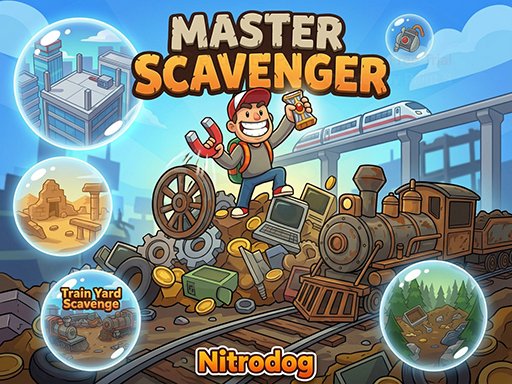



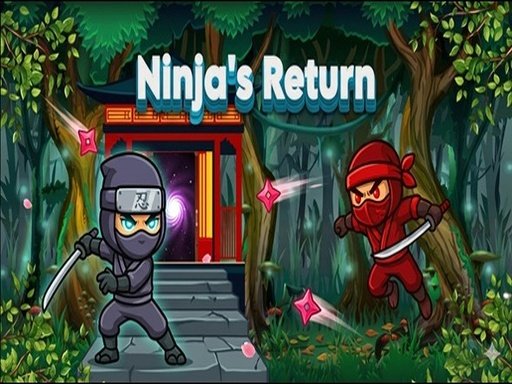
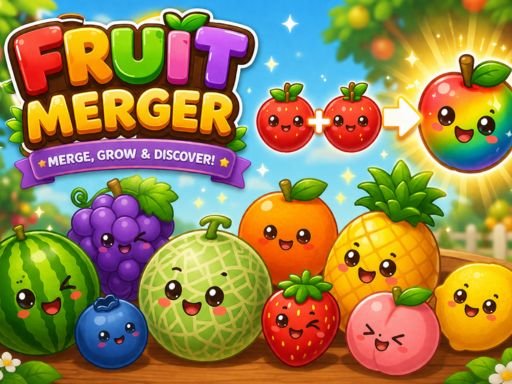

Boys Games
VIEW ALL


Action Games
VIEW ALL




Girls Games
VIEW ALL






Clicker Games
VIEW ALL
Cooking Games
VIEW ALL

🎮 Full Games Vault
VIEW ALL



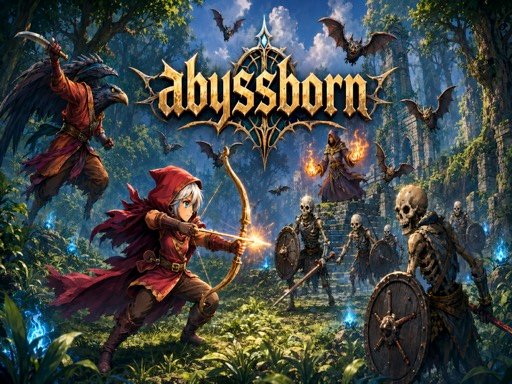
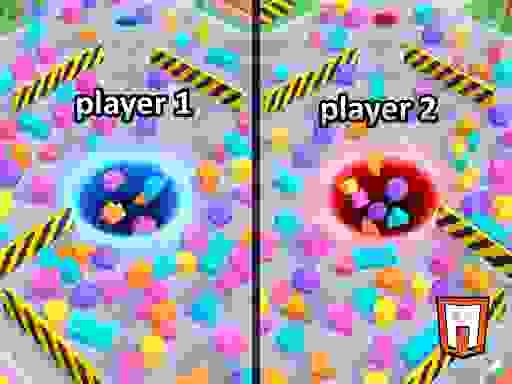
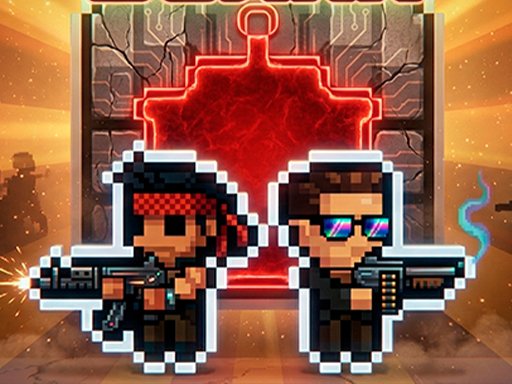
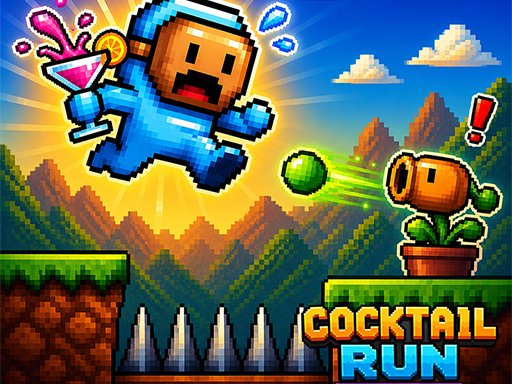
ABOUT GLUBBLE
Glubble is a free browser game portal built around a simple idea: any game on the site should be playable within seconds of clicking it, with no account, no download, and no payment standing in the way. Every title in the catalog runs directly in your browser using standard web technology, which means there's nothing to install on your computer or phone and nothing to keep updated. You open a game page, press Play Game, and you're in, whether that's on a work laptop during a short break or on a phone while waiting somewhere with a few spare minutes.
That approach shapes almost every decision behind the site. Games are organized by genre rather than buried in an undifferentiated list, so if you already know you want a quick puzzle or a fast-paced shooter, you can go straight to that category instead of scrolling through hundreds of unrelated titles. The homepage surfaces a rotating selection of trending games up top, followed by a dedicated section for each category, and a broader vault further down for anyone who wants to browse more widely.
The catalog spans thirteen categories, each covering a distinct style of play. Arcade games focus on short, replayable rounds built around reflexes and pattern recognition. Hypercasual games strip gameplay down to a single, instantly understandable mechanic that's easy to pick up in seconds. Puzzle games test how you think rather than how fast you react, covering everything from match-3 classics to logic grids. Multiplayer games put you up against real opponents in real time rather than scripted AI.
Sports games compress the timing and competitive structure of real sports into quick browser matches, while racing games test how well you can read a track and manage speed under pressure. Shooting games reward precision and pacing, adventure games reward curiosity and patient exploration, and the action and boys categories bring together higher-energy combat, racing, and sports titles for players who want constant momentum. Girls games focus on creative, low-pressure styling and decorating gameplay, clicker games are built around a simple click-and-upgrade loop, and cooking games combine light time-management pressure with the satisfaction of running a busy kitchen.
Because the catalog is this broad, Glubble works equally well for a five-minute break and a longer session. If you only have a couple of minutes, a hypercasual or arcade title gets you into meaningful gameplay almost immediately. If you have more time and want something with a longer arc, an adventure or puzzle title gives you more to work through in a single sitting. There's no pressure to commit to one game for the whole visit; browsing between categories is part of how the site is meant to be used.
Every game page follows the same structure so you always know what to expect before you start playing. A large preview image sits at the top of the page and turns into the actual game the moment you click Play Game, which keeps the page fast to load since nothing outside that player has to download any game assets until you actually decide to play. Below the player, each page lists the category the game belongs to, the controls you'll need, and a short set of specs covering platform support and publish dates, followed by a longer description and a set of frequently asked questions specific to that game.
Device support is treated as a baseline requirement rather than an afterthought. Every game on Glubble is built to run in a modern browser on desktop, laptop, tablet, or phone, and touch controls are available automatically on any title designed to support them. That means you can start a game on one device and pick a similar one up later on another without needing to install anything twice, since there's nothing installed in the first place.
Cost works the same way across the entire catalog: everything is free. There are no premium tiers, no games locked behind a paywall, and no in-game currency that has to be purchased to keep playing. The site is supported by standard display advertising rather than charging players directly, which is why you'll see ad placements around the game grids and player pages, but the games themselves are never gated behind a purchase.
New games are added to the catalog on an ongoing basis, and existing category pages are updated as fresh titles come in, so a category that looks fully explored today may have new additions the next time you check back. The Trending Top Games section on this page is where newer and currently popular titles tend to surface first, which makes it a reasonable starting point if you're not sure what to play and just want to see what's currently getting attention.
If you're new to the site, a good way to get oriented is to pick one category that matches how much time or focus you have right now, browse a handful of thumbnails, and start with whichever title's preview image or short description catches your attention first. Every game page links to a set of related titles in the same category near the bottom, so finding a second or third game to try after finishing the first one usually takes no more than a click.
Page speed is treated as part of the actual experience rather than a background technical detail. Game thumbnails and preview art load using standard lazy-loading, so a category page with dozens of games doesn't force your browser to download every image before you can start scrolling. The game player itself only loads once you press Play Game, which means visiting a game's page to read the description or check the controls doesn't cost you the bandwidth of the full game unless you actually decide to play it.
Controls are kept as consistent as the underlying games allow. Most titles support both mouse-and-keyboard input on desktop and touch input on mobile, and where a game's controls need any explanation, that's listed directly on the game's own page rather than left for you to guess. If a control scheme is unusual for its genre, the short controls summary on the page is written to get you playing correctly on the first attempt instead of the third.
Every category page and game page on Glubble also carries its own set of frequently asked questions, separate from the general ones answered here, covering details specific to that category or that individual game. That's deliberate: a question about a specific racing title's controls doesn't belong in a general FAQ about the whole site, and a question about how many puzzle games exist doesn't belong buried in a single game's page. Keeping FAQ content scoped to the right page means you can usually find an answer without leaving the page you're already on.
Advertising on Glubble is kept to clearly marked slots around the game grids and player pages rather than mixed into the games themselves or disguised as content. The goal is for ads to fund the free-to-play model without getting in the way of actually finding and playing a game, which is also why there's no interstitial ad blocking access to a game page and no forced video before a game loads. Details on how advertising and any data collection work are covered on the site's privacy policy page, linked in the footer of every page.
Difficulty across the catalog varies by design rather than by accident. Hypercasual and arcade titles are built to be understood in seconds and mastered gradually through repetition, which makes them a comfortable starting point if you're new to browser gaming in general. Puzzle and adventure titles ask more of you up front, since progress depends on understanding a mechanic or piecing together information rather than reacting quickly, and multiplayer titles add a layer of difficulty that comes from a real opponent rather than a fixed script. Because the categories are kept separate, you can match the challenge level to your mood rather than the site pushing one style of difficulty on everyone.
The catalog is also built to work for a wide range of players rather than one narrow audience. The girls and boys categories exist because some players are specifically looking for styling and lifestyle games or fast-paced combat and racing titles, but nothing on the site requires you to stay in one lane. Plenty of players who start in one category end up trying titles from several others once they've browsed the trending section or the full games vault, and the category system is meant to help you find a starting point, not box you in.
Ultimately, Glubble is built around removing friction between deciding to play something and actually playing it. No account walls, no downloads, no waiting on installs, and no cost, just a browser tab and whichever game looks interesting at the moment. Whether that means working through a puzzle collection over a slow afternoon or grabbing a quick arcade round between tasks, the site is designed to get out of the way and let the games speak for themselves.
FREQUENTLY ASKED QUESTIONS
Is Glubble free to play?
Yes, every game on Glubble is 100% free to play directly in your browser, with no downloads or installs required.
Do I need to create an account?
No account or sign-up is needed. Just pick a game and press Play Game to start instantly.
What kind of games can I find on Glubble?
Glubble has hundreds of free browser games across arcade, puzzle, racing, sports, shooting, adventure and more categories.
Can I play Glubble games on my phone?
Yes, every game works on both desktop and mobile browsers, with no app install needed.
Do I need to download anything to play?
No. Every game on Glubble runs instantly in your browser tab, and there's nothing to download or install on your device.
Are the games on Glubble safe to play?
Yes, all games run inside your browser and don't require installing any software on your computer or phone.
How many games does Glubble have?
Glubble hosts hundreds of free browser games across more than a dozen categories, with new titles added regularly.
Can I play Glubble games offline?
No, an internet connection is needed to load each game, but once loaded most games run smoothly even on modest connections.
Is there a cost to keep playing?
No, every game on Glubble is completely free with no hidden costs, subscriptions, or paywalls.
How do I find a specific type of game?
Use the category menu at the top of the page (Action, Arcade, Puzzle, Racing, Sports and more) to browse games by genre.